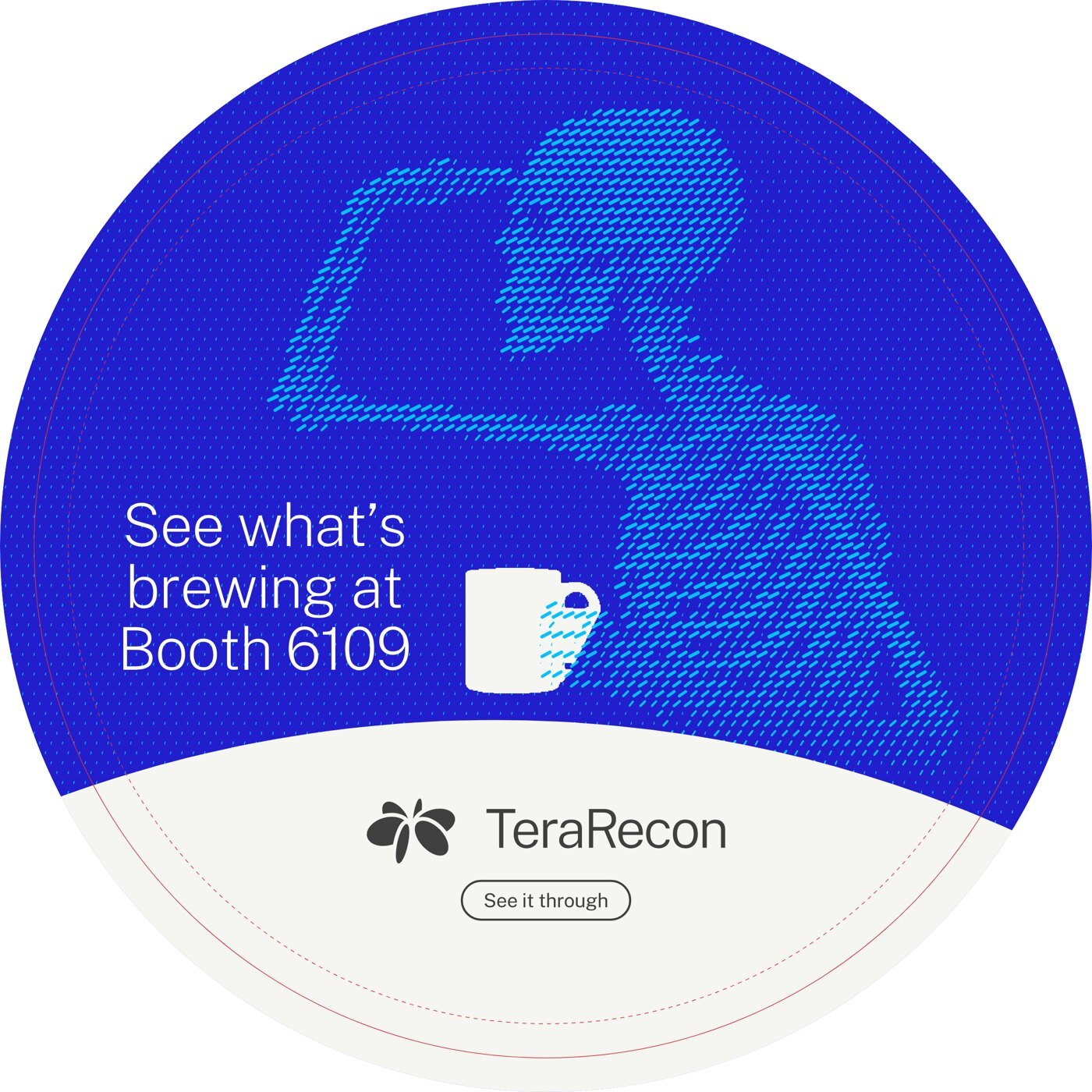
Logo
A clear signature for everything we make.
Choose & download
These two versions cover everyday use. Both are ready-to-use vector files.

Charcoal
For White, Bone and light backgrounds.
Also use on Cyan and Aqua.

White
For Cobalt, Deep Cobalt, the Cobalt Gradient,
Charcoal and dark backgrounds.
SVG stays sharp at any size. Need PDF or EPS for a printer? Ask Steven Brown.
Place it well
x The height of a capital letter in the wordmark.
Give it clear space
Keep at least one capital-letter height of empty space on every side of the full logo.
Keep text, image detail, other logos and the edge of the artwork outside that space.
Keep it readable
Measure the full logo, excluding its clear space.
120 px minimum on screen
Minimum in print
About 25 mm wide
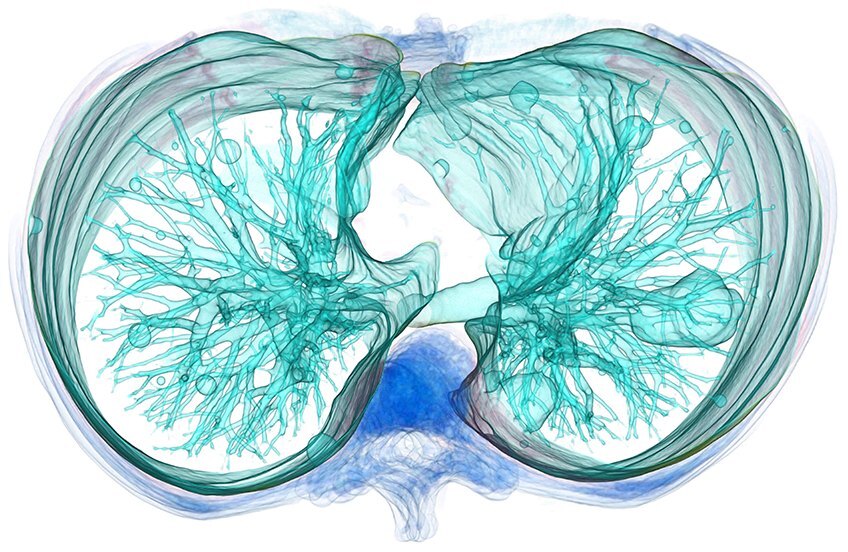
Advanced visualization
for every reading room
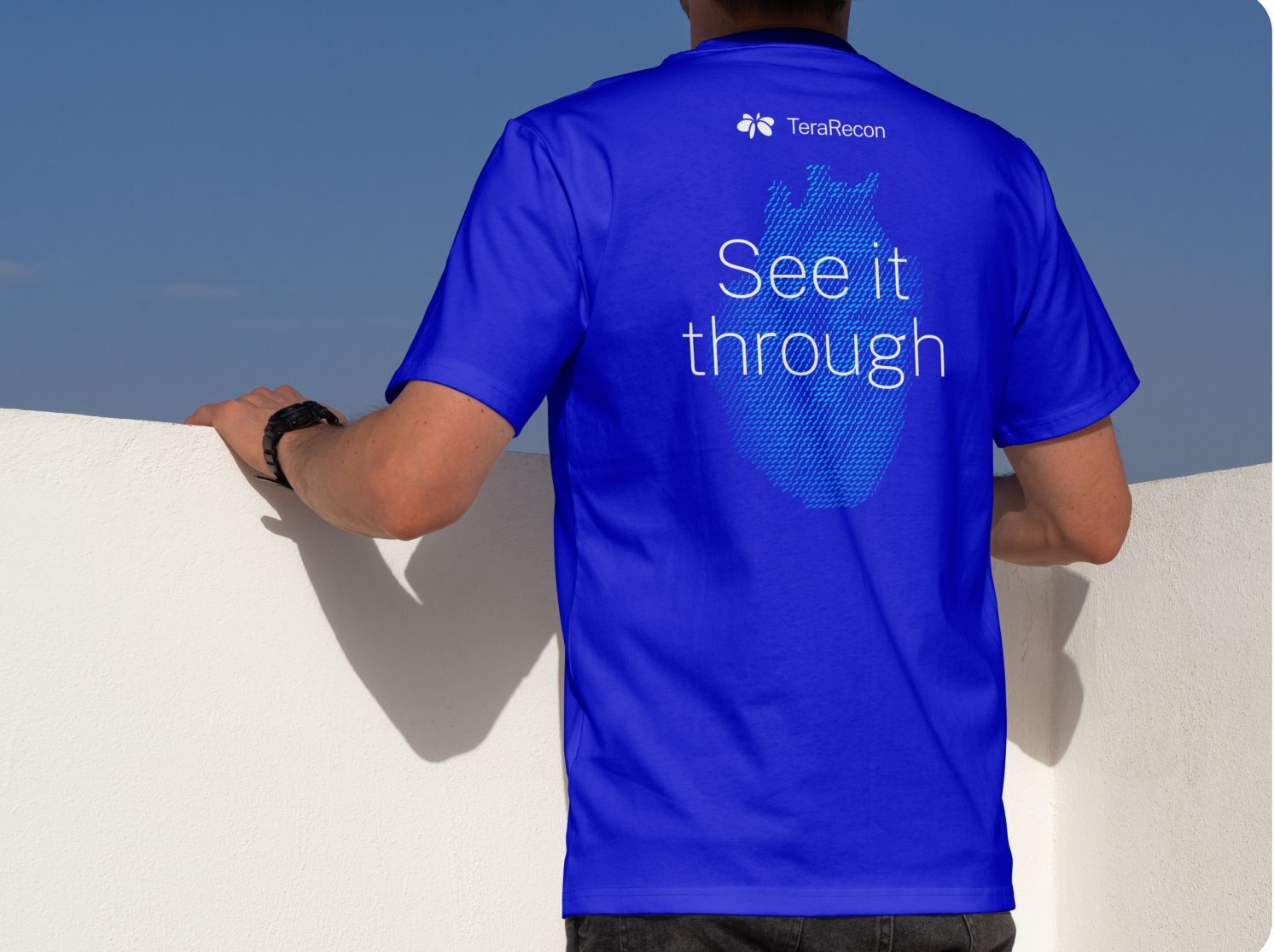
Let the message lead
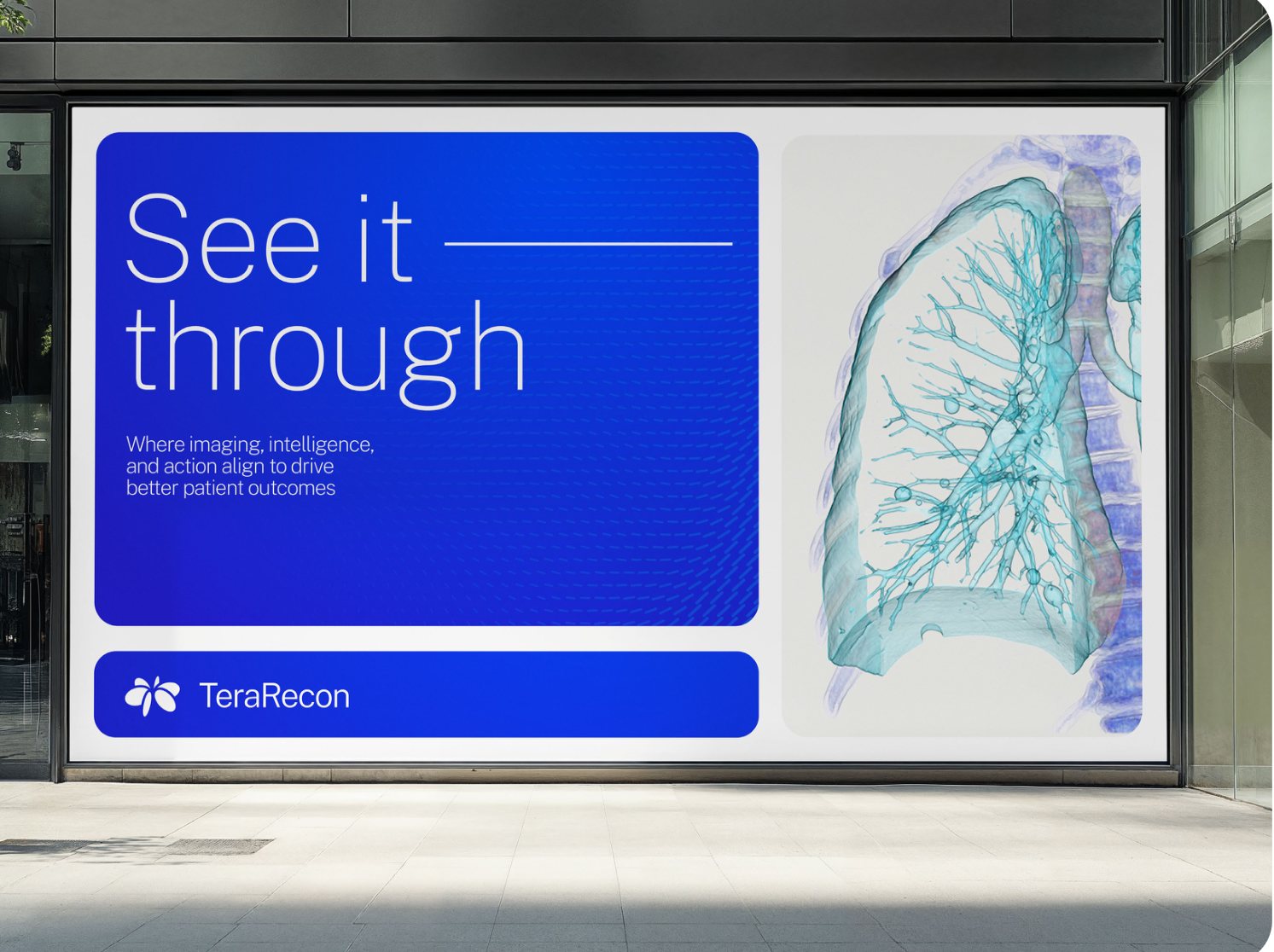
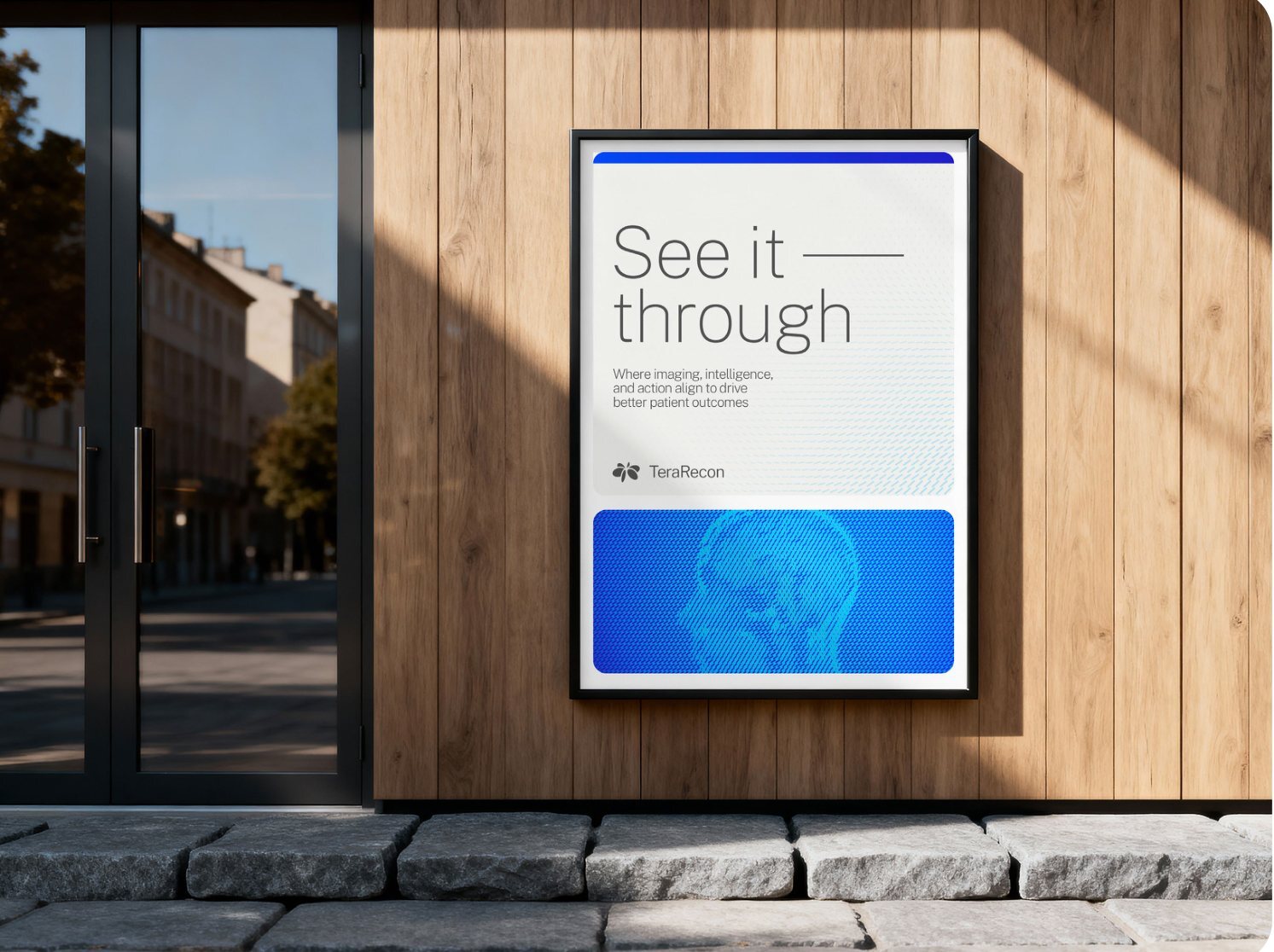
Give the logo a quiet, consistent place apart from the main message. Keep it easy to read at the distance the piece will be seen.
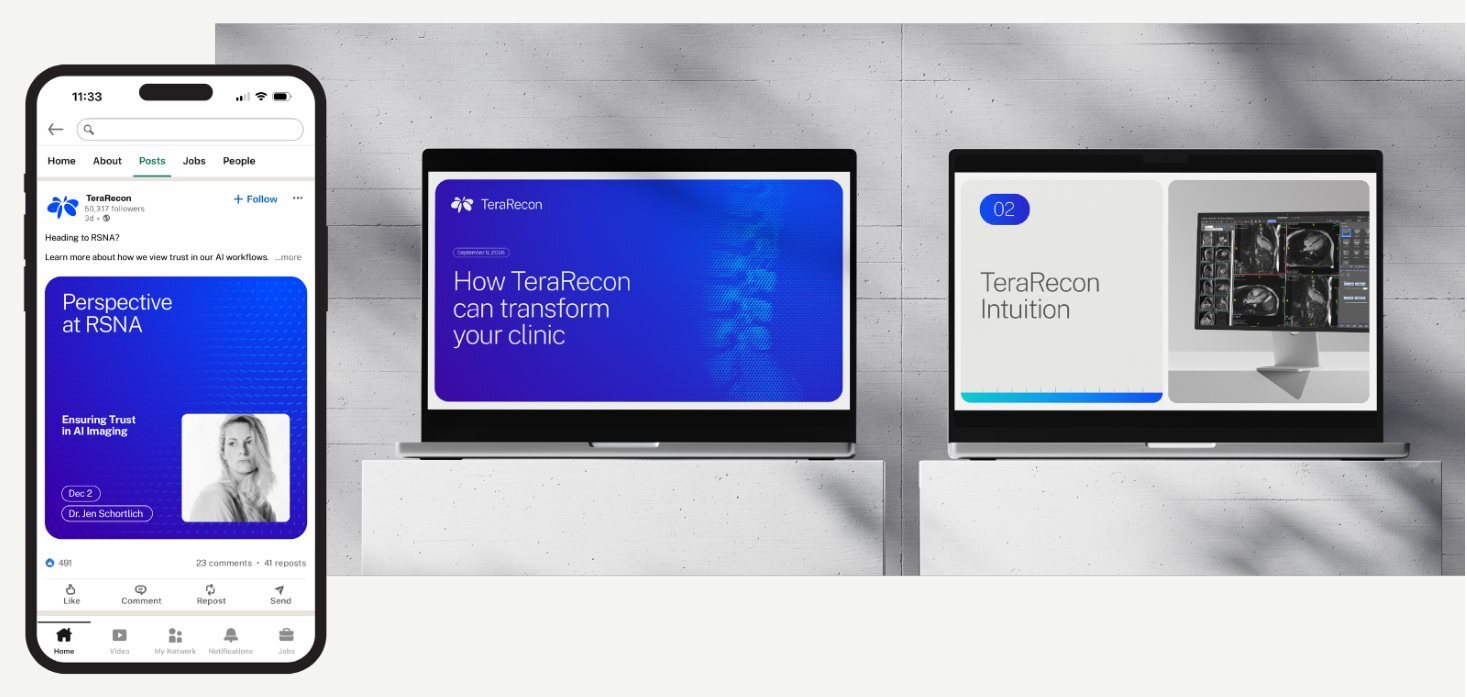
Covers, signage and closing slides may give the logo more emphasis.
Check the background
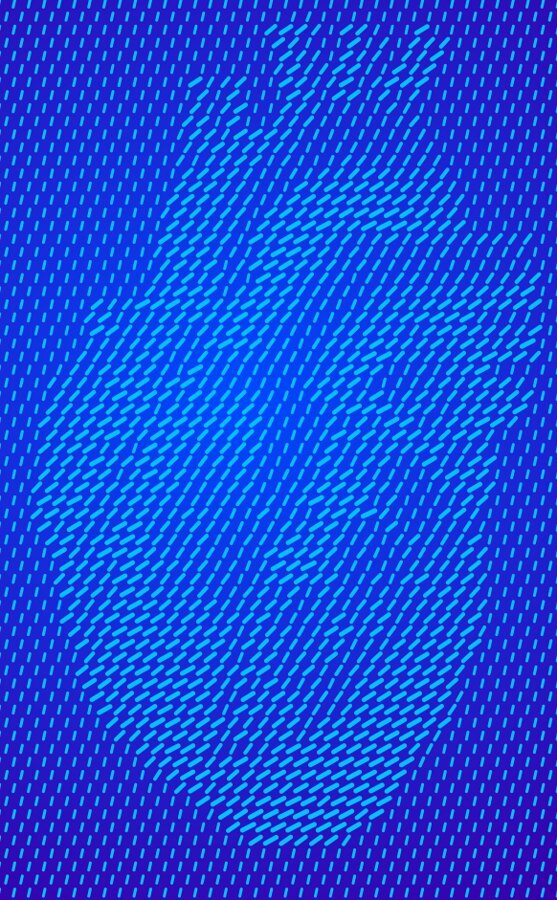
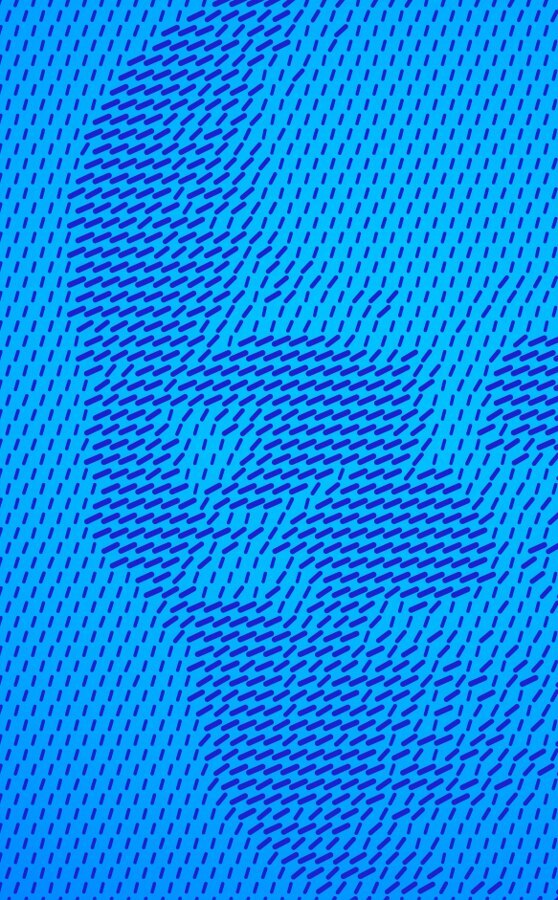
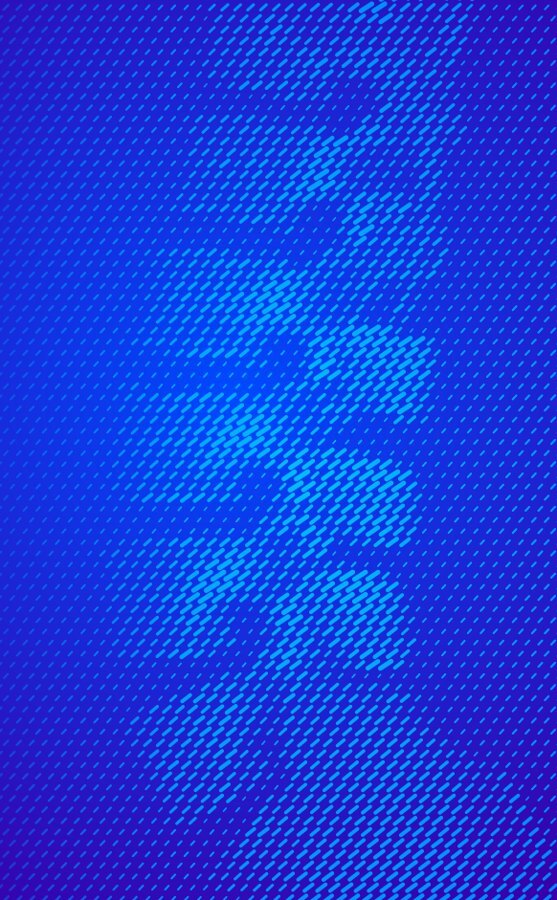
Select the background you’re using to see the everyday logo pairing.
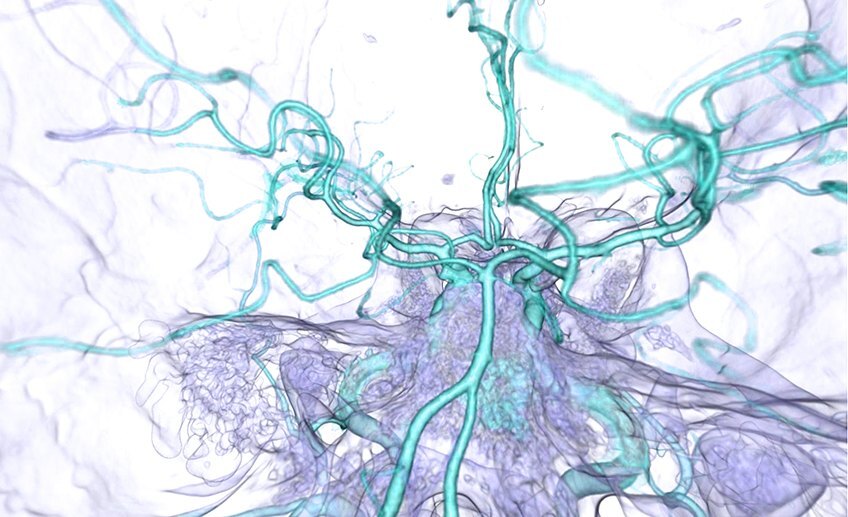
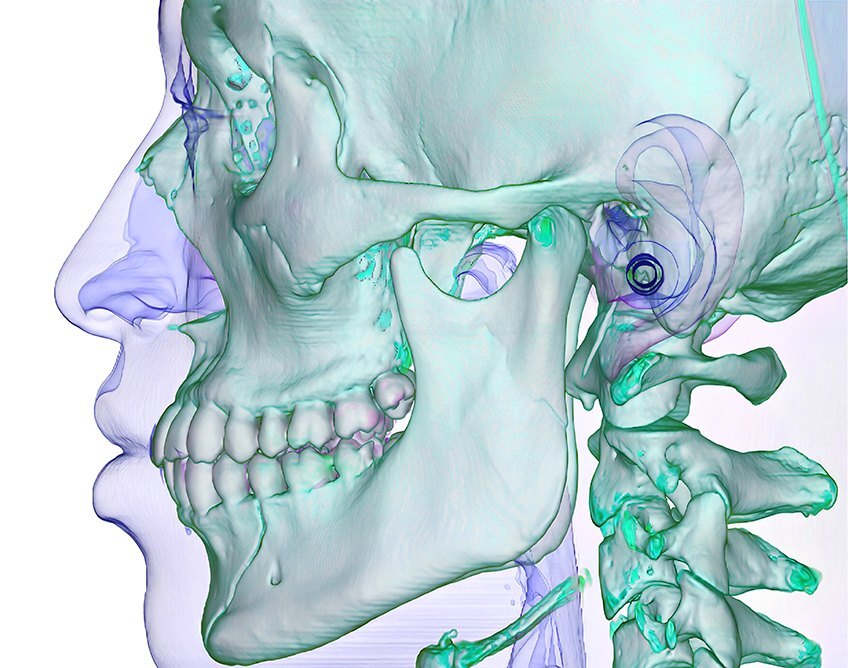
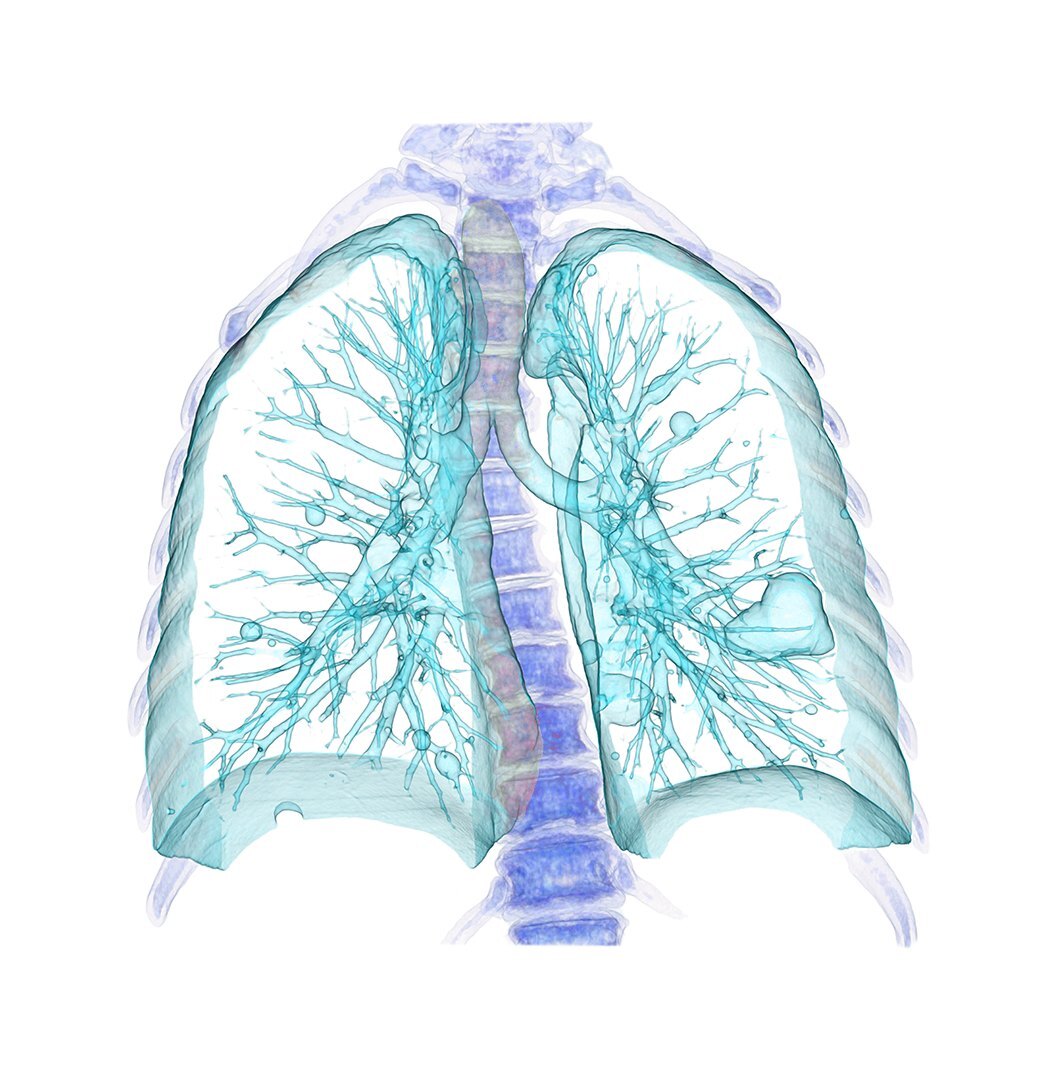
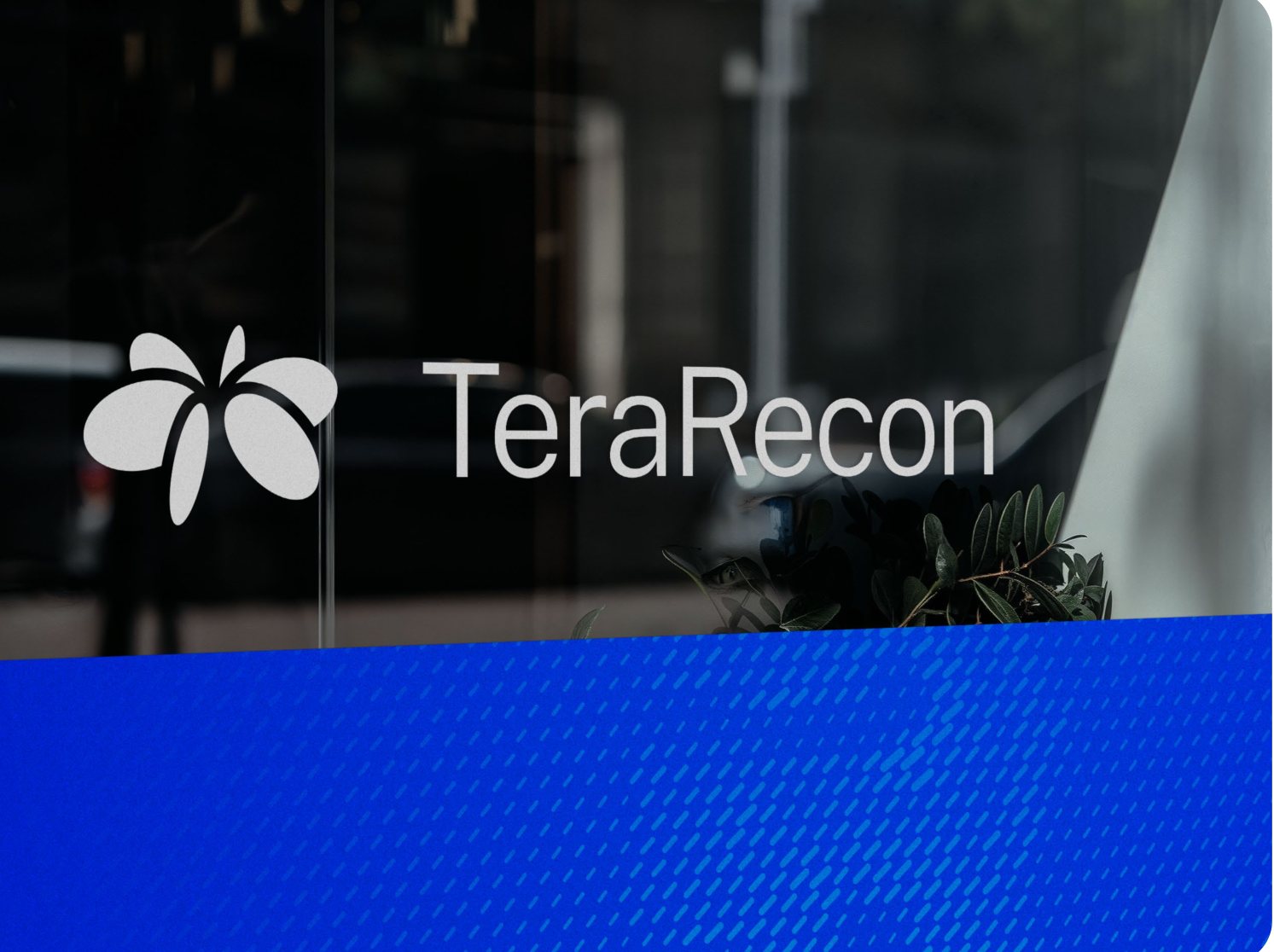
On a photo or pattern
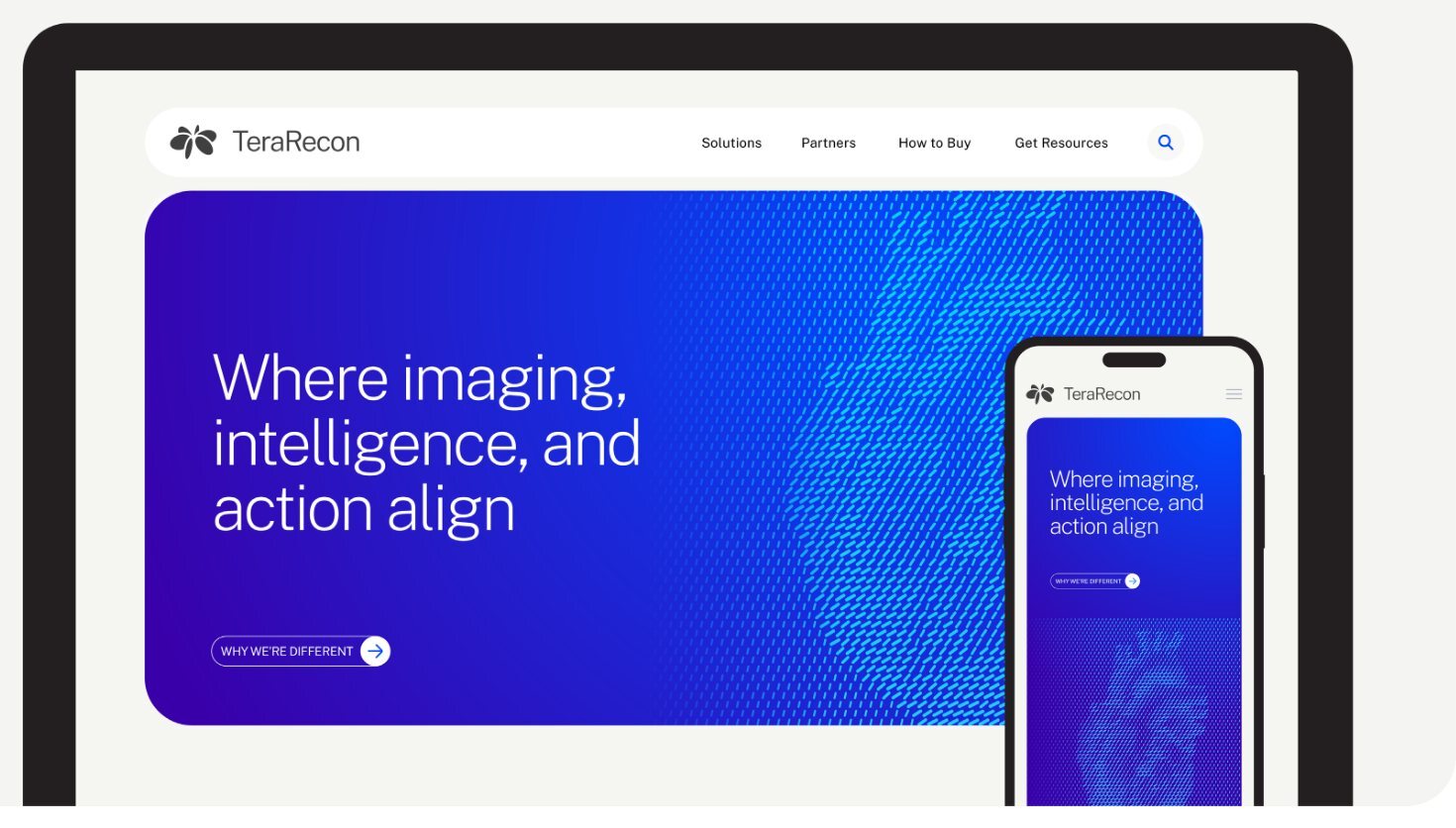
Choose the logo for the area directly beneath it. Use a calm area with good contrast, and keep the subject of the photo clear. If there is no suitable area, give the logo its own flat panel.
On a category gradient
Place the White logo at the Cobalt end. Keep logos off flat Violet and Orchid backgrounds.
Avoid common mistakes
Use the supplied artwork in one flat color and keep its proportions intact.
Stretching or rotating
Scale proportionally and keep the logo level.
Poor contrast
Use Charcoal on Cyan and Aqua.
Adding effects
Keep shadows, glows and outlines off the logo.

Changing its color
Use the provided colors. Keep gradients out of the mark.
Special uses
Start here when the everyday logo treatment doesn’t fit your task.
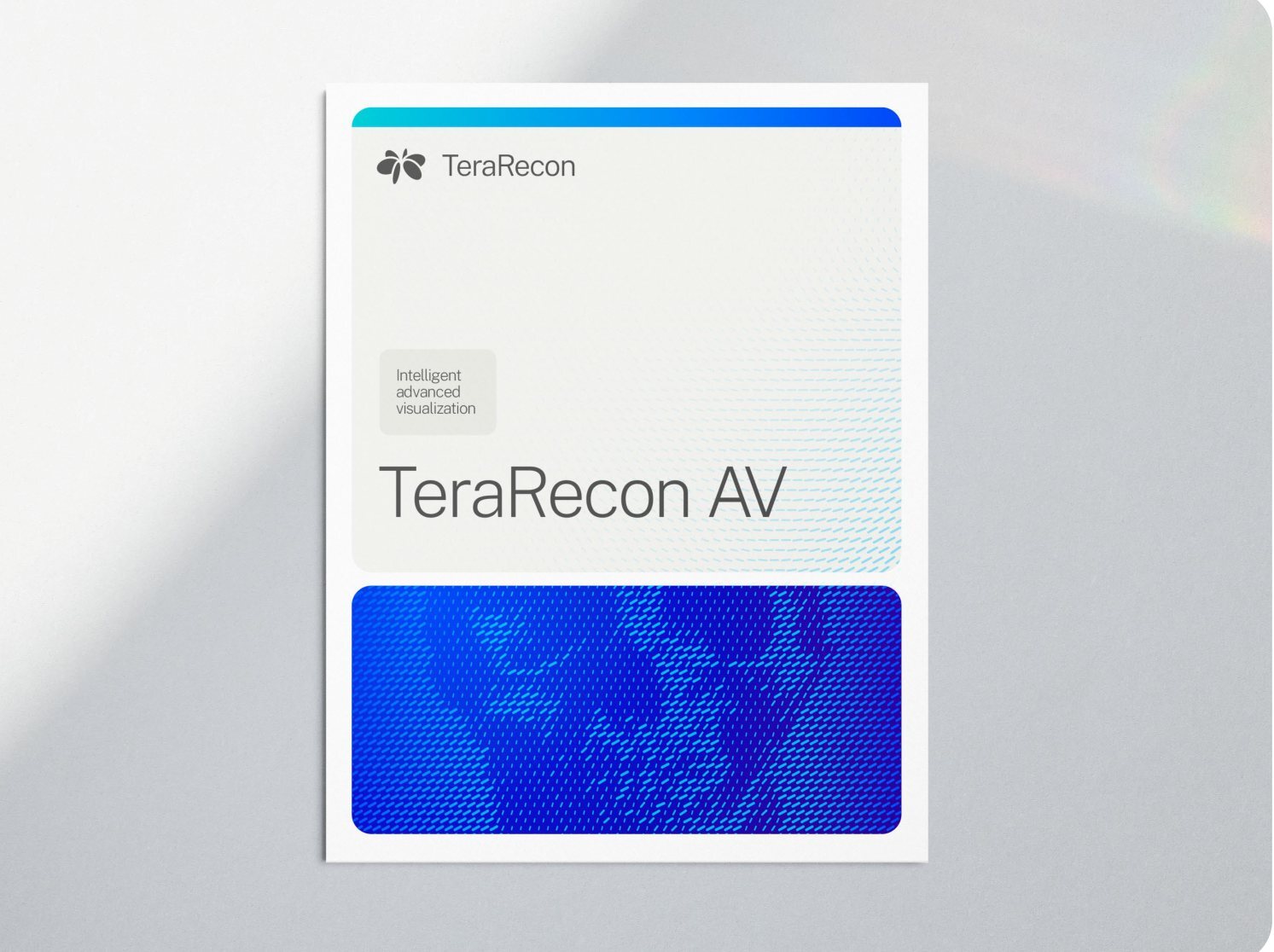
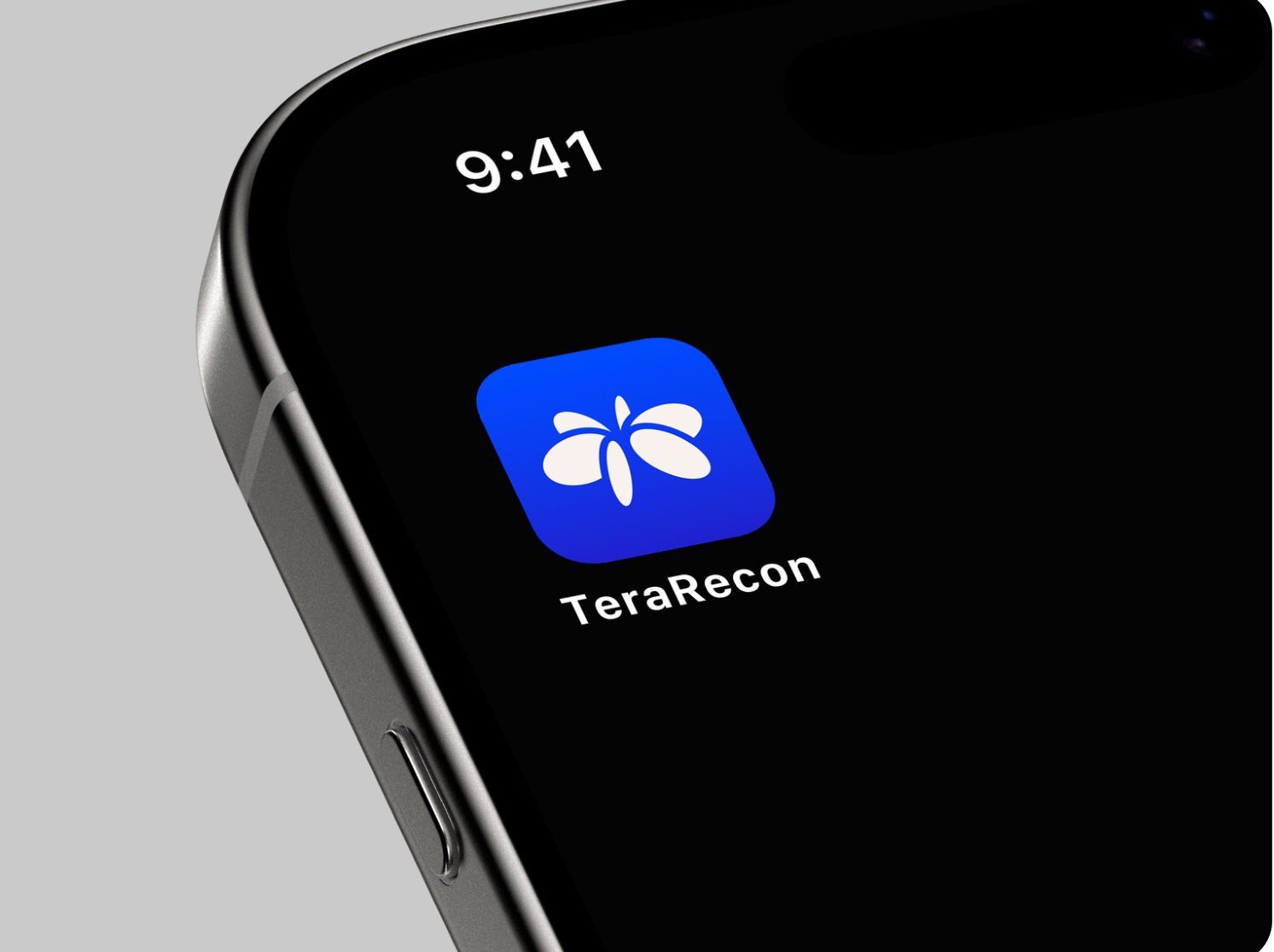
Profile pictures, app icons & the Orbit

Use the ready-made icon
Profile pictures and app icons use the White Orbit centered on the Cobalt Gradient. Download the prepared artwork so its size and placement stay consistent.
The website favicon uses the Cobalt Orbit. The Orbit can also stand alone where the full logo cannot fit or TeraRecon is already named on the same surface, such as a small mark above a statement.
The Orbit’s standalone minimum size and clear space are still to be defined. Ask Steven before setting it very small or close to an edge.
The tagline
Keep it inside its outlined oval
Size the tagline for its role: large as the main message, small as a signature. The loose display treatment needs Steven’s approval.
A rounded bar under the main card may hold the logo and tagline. The bar matches the card’s width, using Charcoal on Bone or White on Cobalt. Ask before introducing a new combined logo-and-tagline lockup.
Cobalt & Bone logo files
These are exceptional treatments. Get Steven Brown’s approval for the individual piece before using either.

Product names & the standalone wordmark
Name products in Public Sans beside or below the TeraRecon logo. A product name may be a plain wordmark; it does not receive its own symbol or logo.
Use of the TeraRecon wordmark without the Orbit is not yet defined. Use the full logo for ordinary work and ask Steven about a specific exception.