
Visual identity
Imagery
Show the subject clearly.
Make anatomy legible and show products in real settings. Give detailed imagery a calm place in the composition.
Use renderings with purpose
Advanced Visualization
Feature 3D renderings as a main expression of the category.
Imaging Workflows
Use renderings in a supporting role.
Insights
Keep renderings minimal.
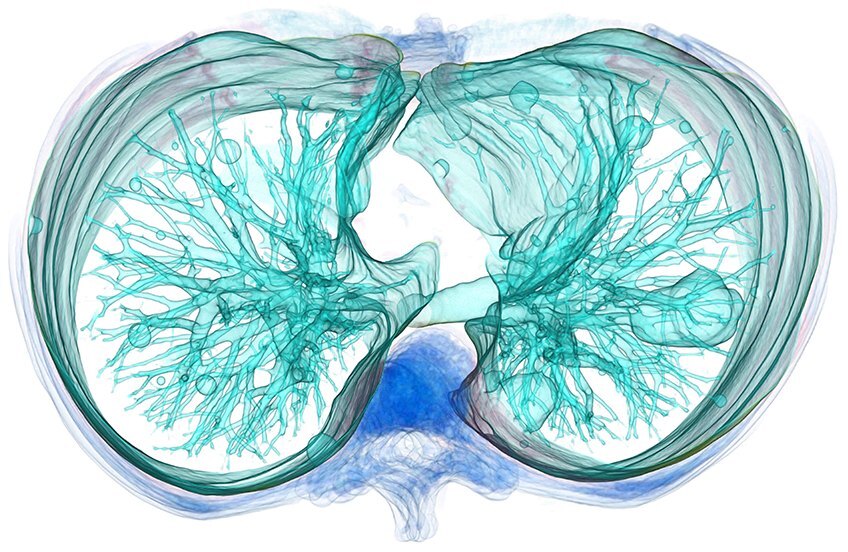
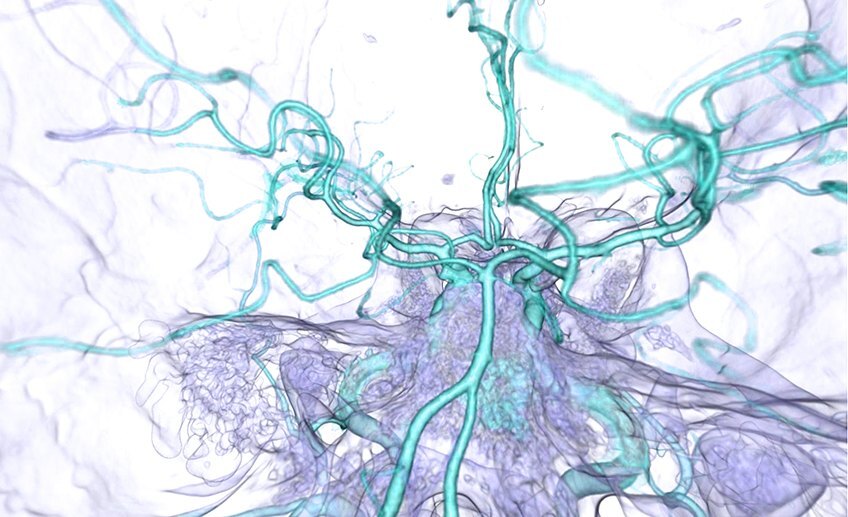
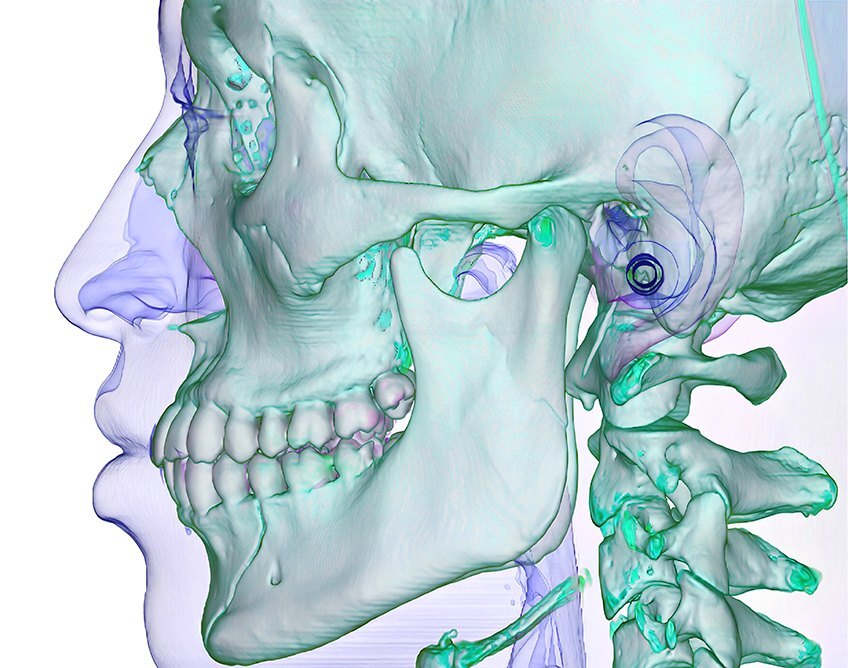
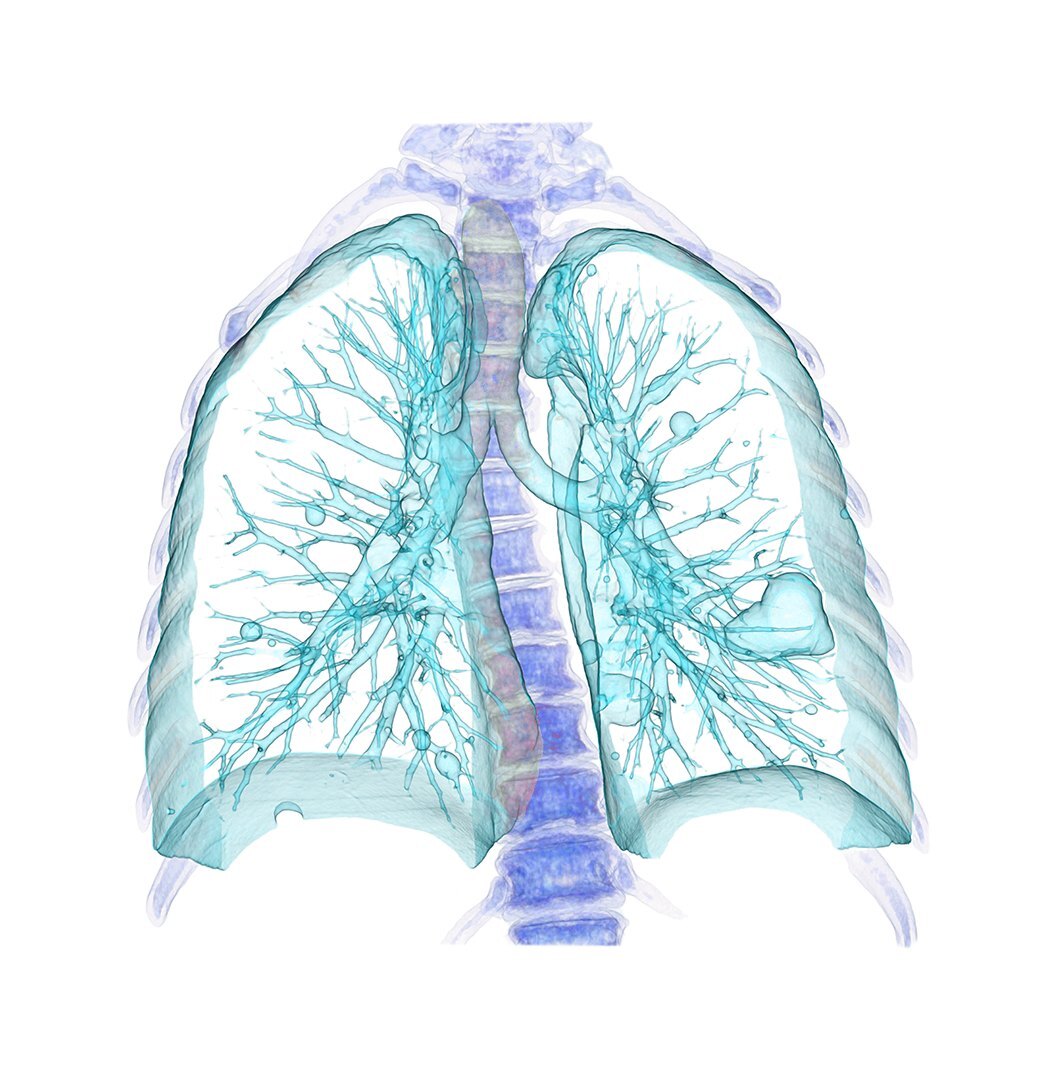
Use supplied or approved assets. Set fine anatomy on a quiet background, large enough to read at its final size. Ask Steven for the production files.
Keep products in their setting
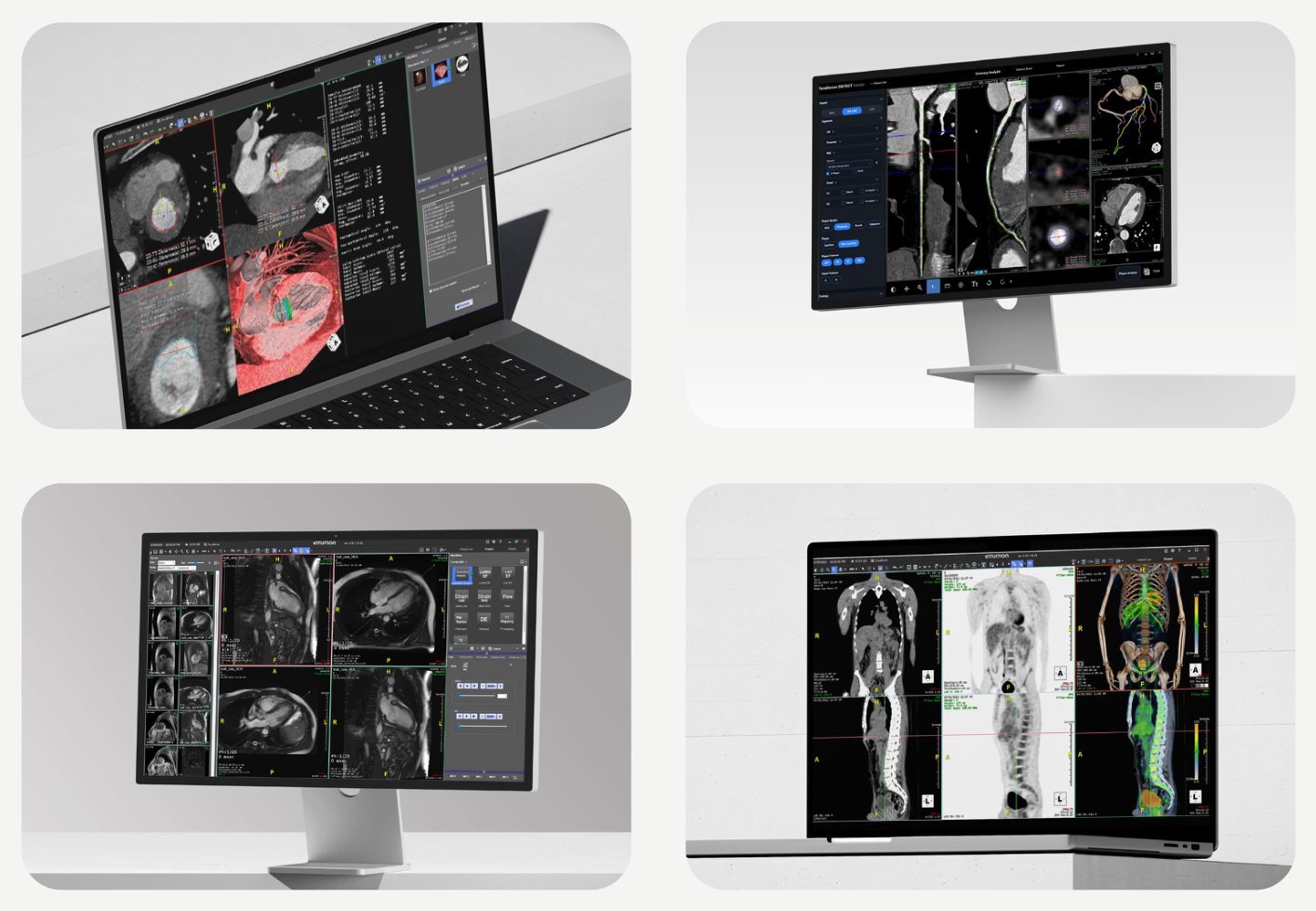
Keep the whole scene
Let the panel crop the photograph. Preserve the device, setting and natural light.
Separate the message
Give copy its own panel. Place a logo over a photo only where the area is calm, high contrast and clear of the subject.